
Loading...
From Robot Development to OptimizationStart in Simulation
Adapt your robot and AI to your task,and score them physically with standard scenarios.
How It Works
Robot testing in four steps
Build the Environment
Recreate a real site in 3D, or generate a test environment automatically from maps and drawings.
EnvironmentAdd the Robot and Test
Register the robot with a single configuration file, define the task and pass criteria in a scenario, and test repeatedly under different conditions.
SimulationAdapt to the Task
The test records are used to further train the robot AI for your task, and it is then retested with the same scenario.
AdaptationScore Physically and Get Results
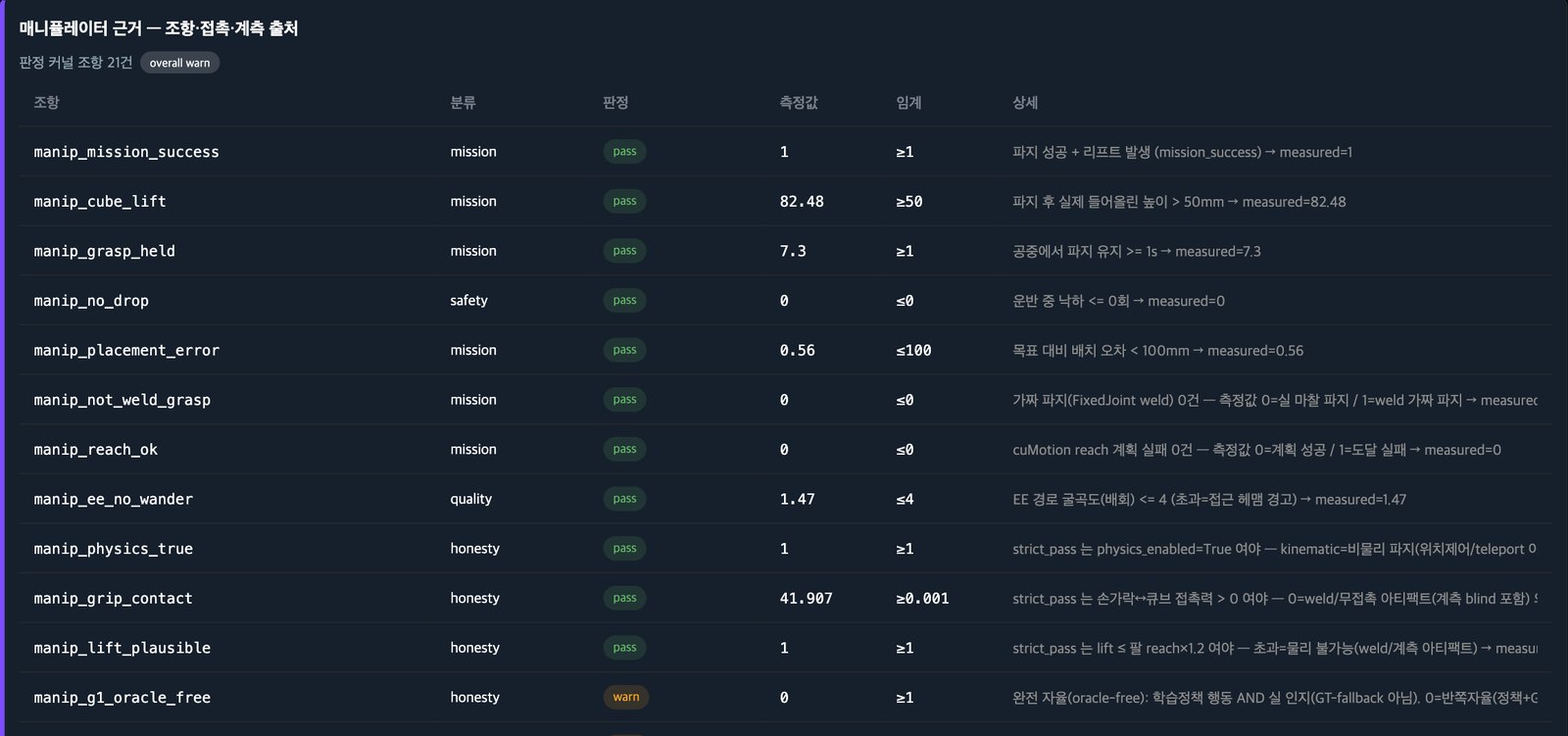
Each item receives a pass or fail verdict based on contact, position, and force measurements, and you review the outcome in a report and video that include the verdict reasons and limits.
ScoringApplications
Key capabilities
Who is this solution for?
For robot developers, facility operators, and everyone working with robots
Struggling with development validation costs?
Test as many times as you need in a virtual environment that reflects your site conditions.
Need confidence before robot deployment?
Check operating efficiency, bottlenecks, and safety issues before you deploy robots.
Concerned about robot-worker safety?
Simulate dangerous situations virtually first and develop response strategies.
From development to deployment, we check with physics that it actually worked
imSim is the core product of the AI Robot Adaptation & Validation Arena. Every test records its verdict reasons, measurement scope and limits alongside the result.
A success that didn't actually happen scores zero
We reach the verdict on picking and placing from contact, position, and force measurements, not from a “success” log.
Items that couldn't be measured don't pass
If a required measurement is missing, the item fails with the reason “measurement absent” and is counted separately.
Regardless of robot type
A new robot is registered with a single configuration file. The scoring program and scenarios stay the same.
Inside imSim: AI Technology
AI in imSim is used to adapt your AI to the task, let robots see and move, build tests, and score whether the job was done properly. We do not build foundation AI models ourselves.
Adapting AI to the task
- ·Test records → training data (LeRobot · RLDS format)
- ·Additional AI training · reinforcement learning (Isaac Lab)
- ·Failure causes → next training-data design
How robots see and move
- ·Object position · orientation recognized from camera images
- ·Grasp position · angle computation
- ·Collision-free path computation on GPU
- ·AI model execution · swapping
Building tests
- ·Scenario drafts in natural language → human review
- ·Randomized lighting · materials · physics values
- ·Automatic repetition with varied conditions · result comparison
Scoring the AI
- ·Robot AI models · external AI modules scored with the same scenario
- ·Legged-robot walking AI evaluation (pushes · obstacles · human approach)
- ·Detection AI scoring — checked against defects with known ground truth
From seeing to moving — robot-arm AI processing flow
It finds objects in camera images, computes a grasp pose and a collision-free path, moves the robot, and then scores the result physically (simulation).
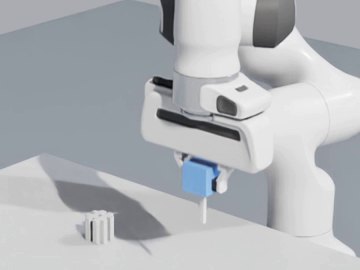
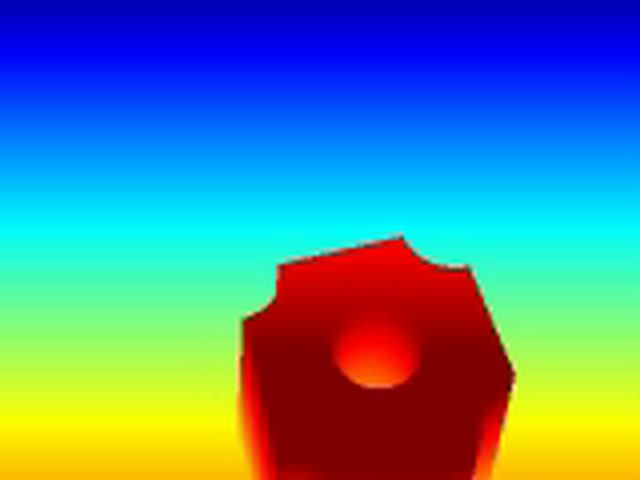
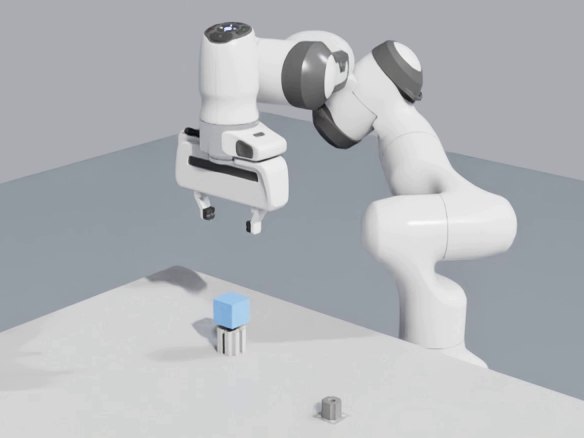
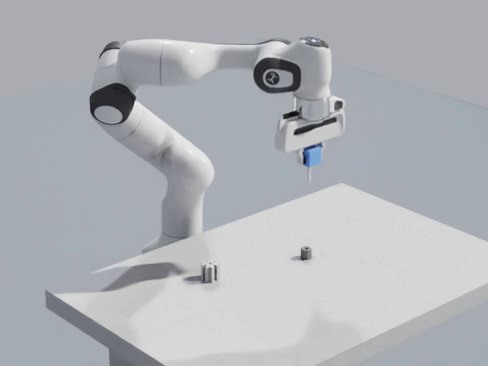
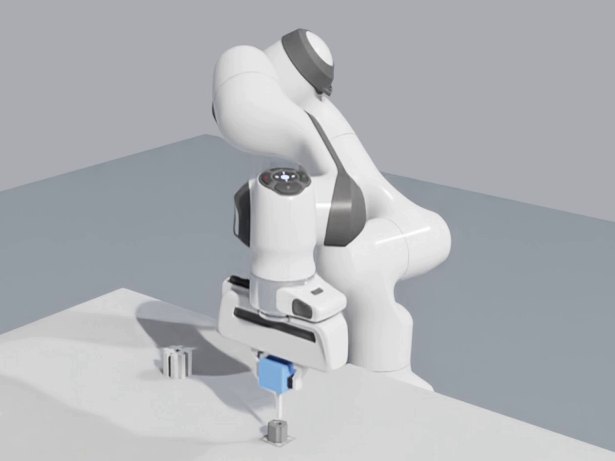
All scenes are from the same insertion test — 1 close-up camera · 2 depth camera · 3–5 just before grasping · transferring · inserting (simulation)
External AI module connection
You can connect your own detection, recognition, and decision models to a test and assign the items each one is responsible for. Whether a module is connected, and which items were not measured, are shown separately on screen.
Even if module results arrive later, the same test is scored again. Connections with no path for rescoring are rejected before the test starts (confirmed 2026-09-30~10-01). This feature does not score the performance of the module itself.
Application Areas
Scoring centers on tasks that involve handling objects. We are extending the same scoring approach to mobile, aerial, surface, and underwater missions.
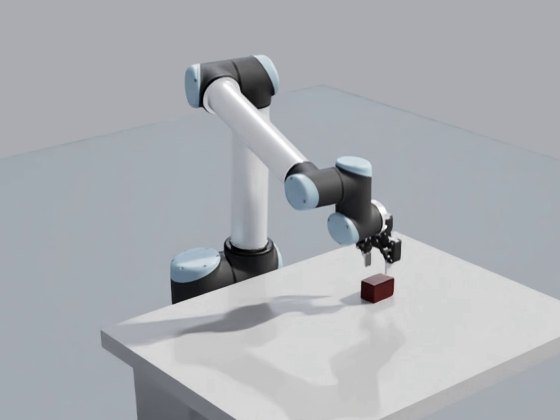
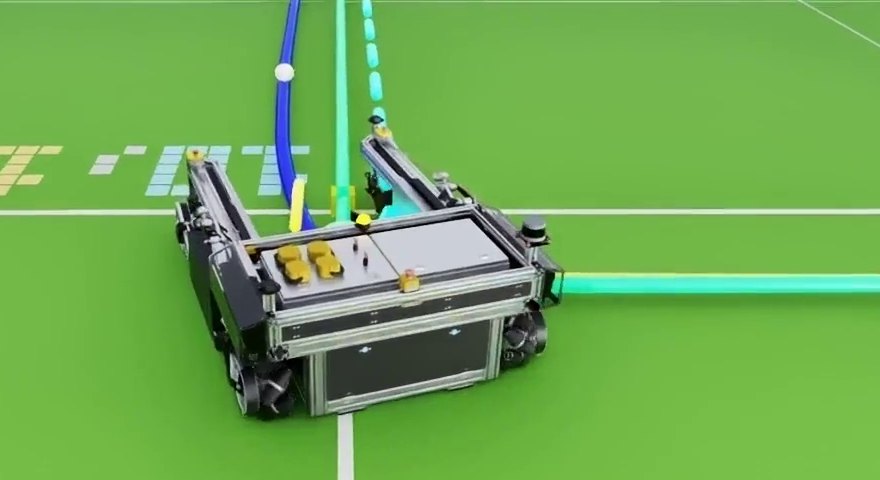
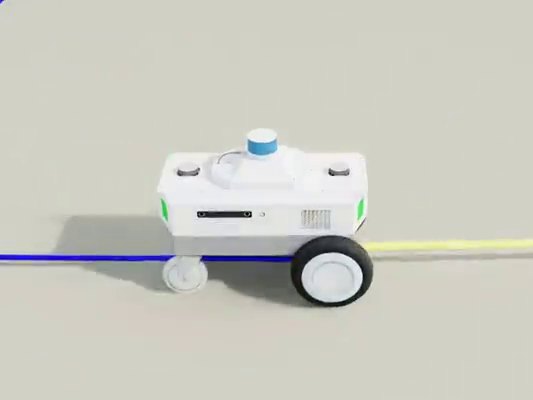
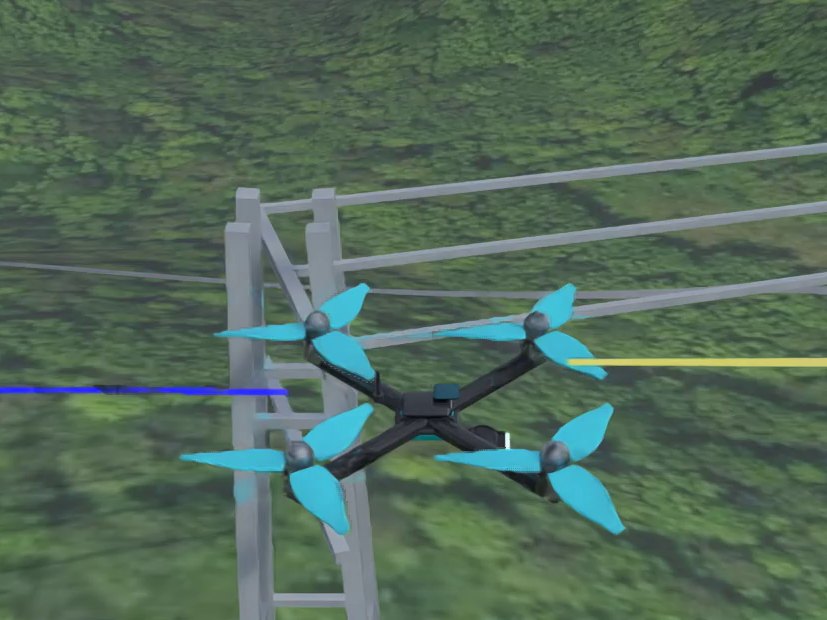
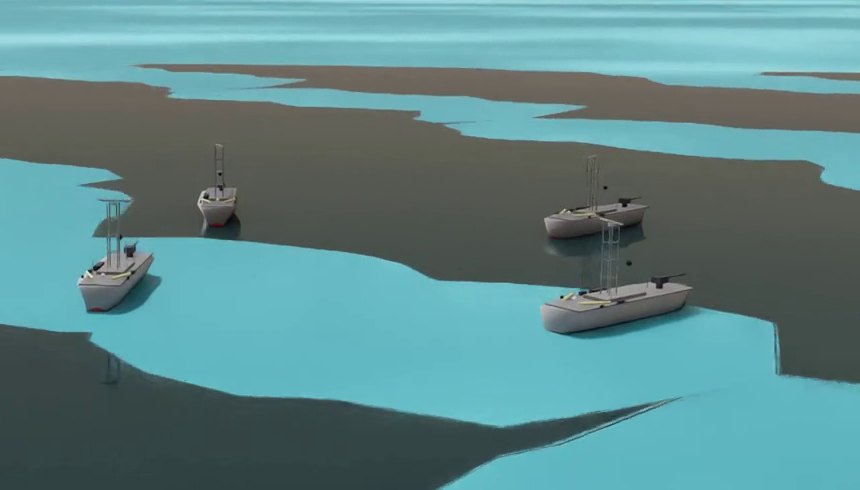
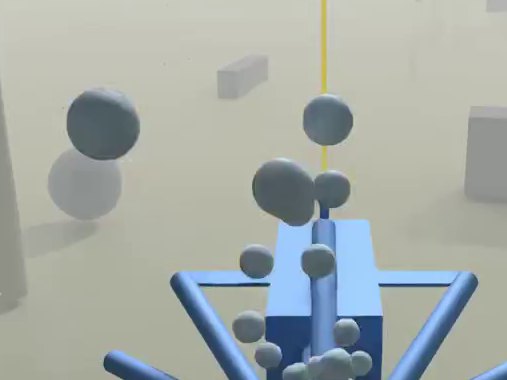
All footage shows simulation test scenes.
Product Lineup
Our lineup consists of the core product imSim, imSim Defense for defense applications, the open specification PAVS, and imai, an AI for structural inspection.
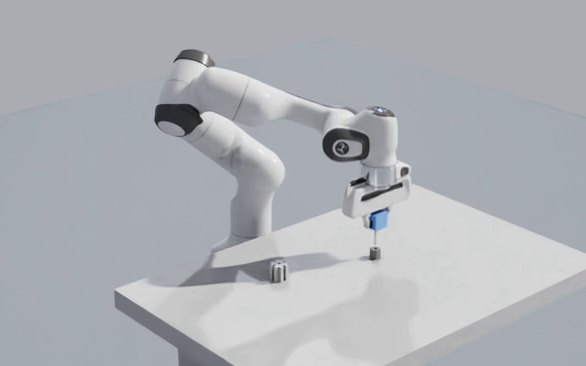
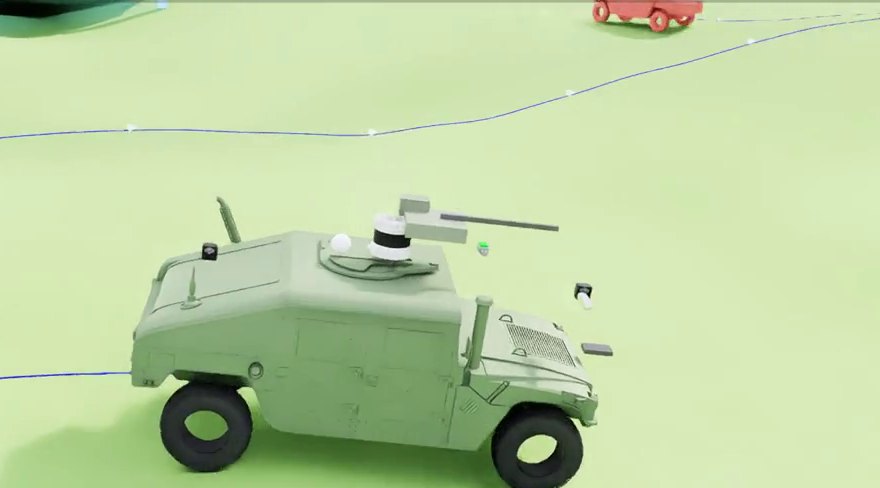
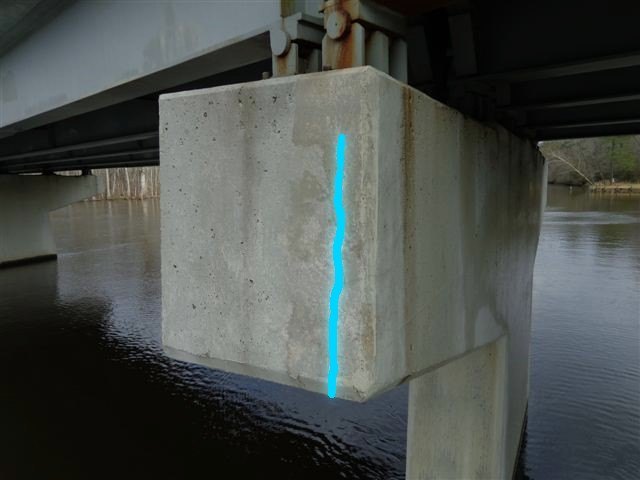
See it for yourself
Screens from simulation tests we actually ran
Let's build together A better future for robotics
Start with a joint pilot test using one robot and one task. Contact contact@immersivecast.com
Quick Inquiry
Leave your company name, contact details, and inquiry, and a member of our team will get in touch.